CodeLlama34B parameters
Hardware for Running CodeLlama 34B Locally
Code generation, code completion, debugging, technical documentation. Below you'll find VRAM requirements at different quantization levels and our recommended GPUs at every budget.
VRAM Requirements
| Precision | VRAM Required | Notes |
|---|---|---|
| FP16 (full precision) | 68 GB | Best quality, highest VRAM usage |
| Q8 (8-bit quantized) | 36 GB | Near-lossless quality, good balance |
| Q4 (4-bit quantized) | 20 GB | Smallest footprint, slight quality loss |
Budget Picks
This model requires more VRAM than budget GPUs typically offer. Consider mid-range or premium options below.
Mid-Range Picks
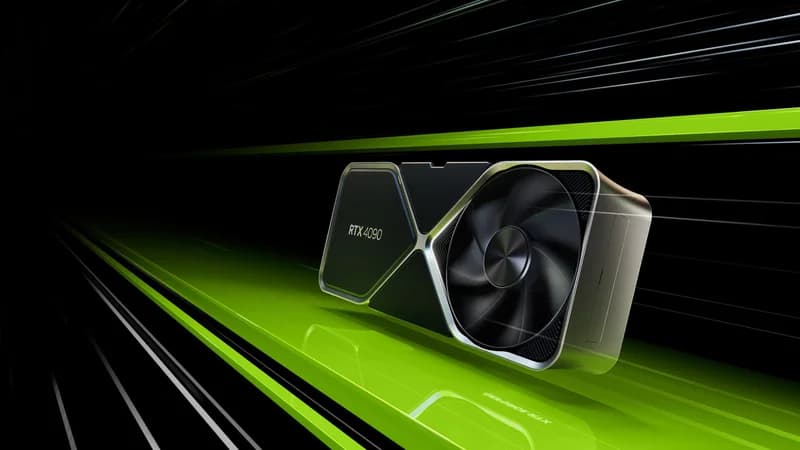
NVIDIA GeForce RTX 4090
$1,599 – $1,999
- VRAM: 24GB GDDR6X
- CUDA Cores: 16,384
- Memory Bandwidth: 1,008 GB/s
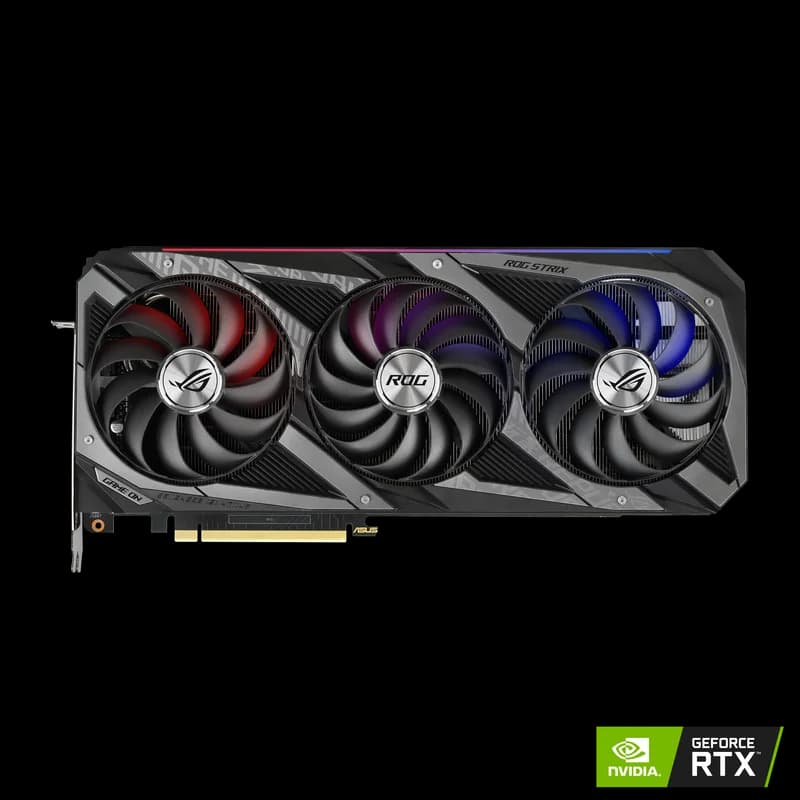
Premium Picks
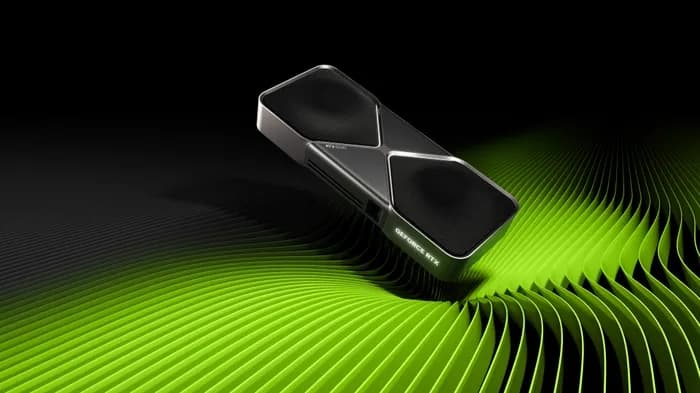
NVIDIA GeForce RTX 5090
$1,999 – $2,199
- VRAM: 32GB GDDR7
- CUDA Cores: 21,760
- Memory Bandwidth: 1,792 GB/s
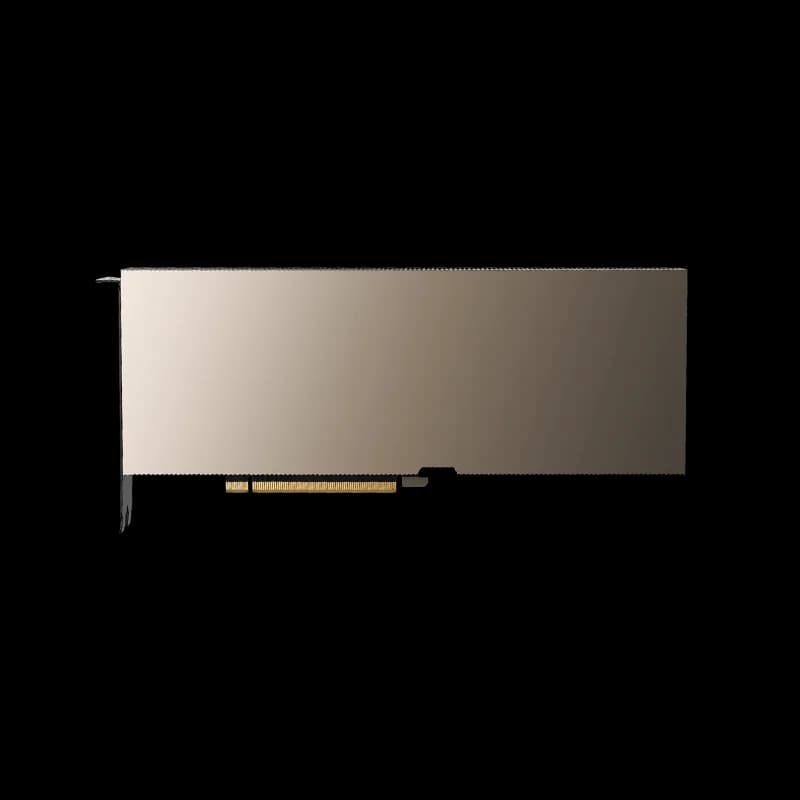
NVIDIA A100 80GB PCIe
$12,000 – $15,000
- VRAM: 80GB HBM2e
- Tensor Cores: 432 (3rd Gen)
- Memory Bandwidth: 2,039 GB/s
Compatible Tools
Software you can use to run CodeLlama 34B on your hardware:
Ollamallama.cppvLLMContinue.dev
Disclosure: Some links on this page are affiliate links. We may earn a commission if you make a purchase — at no extra cost to you. This helps support our independent reviews.