The Problem
You want to generate AI images locally — Stable Diffusion, SDXL, Flux, or ComfyUI. The right GPU means faster generation, higher resolutions, and more complex workflows without waiting.
AI image generation is VRAM-hungry and bandwidth-sensitive. More VRAM means larger images and more complex pipelines (ControlNet, LoRA stacking). Here are our top picks with real generation speed benchmarks.
Our Top Picks
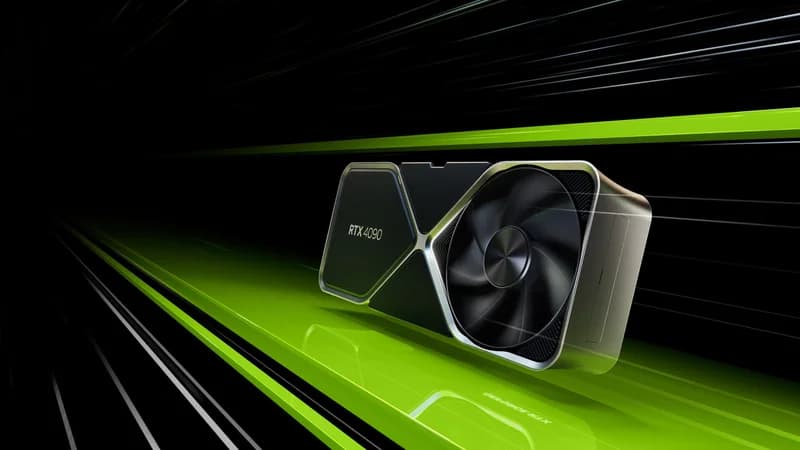
NVIDIA GeForce RTX 4090
$1,599 – $1,999
- VRAM: 24GB GDDR6X
- Memory Bandwidth: 1,008 GB/s
- CUDA Cores: 16,384
- TDP: 450W
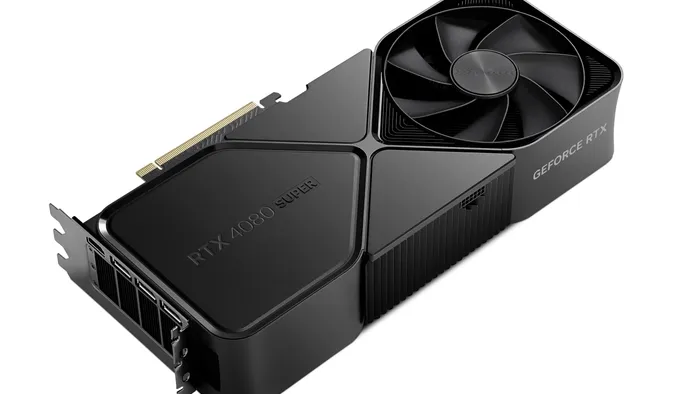
NVIDIA GeForce RTX 4080 SUPER
$949 – $1,099
- VRAM: 16GB GDDR6X
- Memory Bandwidth: 736 GB/s
- CUDA Cores: 10,240
- TDP: 320W
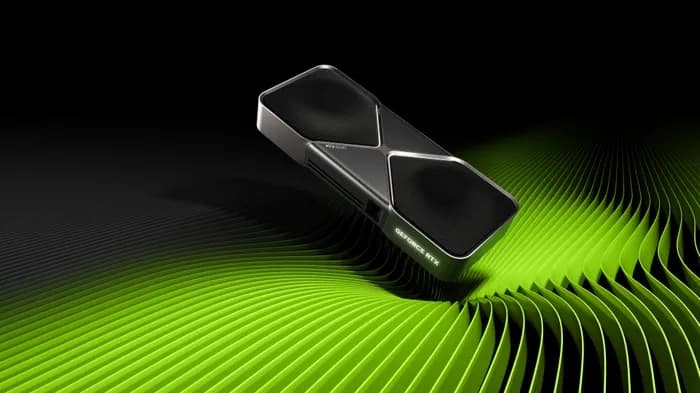
NVIDIA GeForce RTX 5060 Ti 16GB
$429 – $479
- VRAM: 16GB GDDR7
- Memory Bandwidth: 448 GB/s
- CUDA Cores: 4,608
- TDP: 180W
Side-by-Side Comparison
| Spec | NVIDIA GeForce RTX 4090 | NVIDIA GeForce RTX 4080 SUPER | NVIDIA GeForce RTX 5060 Ti 16GB |
|---|---|---|---|
| Price | $1,599 – $1,999 | $949 – $1,099 | $429 – $479 |
| VRAM | 24GB GDDR6X | 16GB GDDR6X | 16GB GDDR7 |
| Memory Bandwidth | 1,008 GB/s | 736 GB/s | 448 GB/s |
| CUDA Cores | 16,384 | 10,240 | 4,608 |
| TDP | 450W | 320W | 180W |
| Verdict | Best Overall | Best Value | Budget Pick |
Detailed Breakdown
$1,599 – $1,999
Pros
- +Proven workhorse for AI inference
- +Excellent VRAM capacity for most models
- +Strong community support and documentation
Cons
- -High power consumption
- -Premium pricing
- -Previous-gen Ada Lovelace architecture
$949 – $1,099
Pros
- +Strong price-to-performance for AI inference
- +Lower power draw than RTX 4090
- +Fits standard ATX cases easily
Cons
- -16GB VRAM limits larger model support
- -Not ideal for training large models
- -Previous-gen Ada Lovelace architecture
$429 – $479
Pros
- +Blackwell 5th-gen tensor cores with FP4 support
- +55% more bandwidth than RTX 4060 Ti
- +Best new GPU under $500 for AI in 2026
Cons
- -16GB VRAM ceiling same as RTX 4060 Ti
- -128-bit bus limits peak bandwidth vs wider-bus alternatives
- -Availability inconsistent since launch
Frequently Asked Questions
How much VRAM do I need for Stable Diffusion?
SD 1.5 works with 4GB VRAM. SDXL needs 8GB minimum, 12GB recommended. For complex workflows with ControlNet, LoRA stacking, or batch generation, 16GB+ is ideal. 24GB gives you headroom for everything.
Is the RTX 4090 overkill for image generation?
Not if you're doing production work or complex ComfyUI pipelines. The 24GB VRAM and raw speed mean you can iterate faster and handle larger batches. For casual use, a 16GB card like the RTX 4080 Super is plenty.
Can I use AMD GPUs for Stable Diffusion?
Yes, but performance is significantly lower than equivalent NVIDIA GPUs due to less optimized software. DirectML and ROCm support exists but CUDA-based workflows are faster and more reliable.
Disclosure: Some links on this page are affiliate links. We may earn a commission if you make a purchase — at no extra cost to you. This helps support our independent reviews.