The Problem
You want to run ChatGPT-like AI models on your own hardware — privately, offline, and without monthly API costs. The right GPU makes the difference between a sluggish chatbot and a genuinely useful local AI assistant.
Running large language models locally requires a GPU with enough VRAM to hold the model in memory and enough compute to generate tokens at conversational speed. Here are our top picks across every budget, with cited benchmarks from trusted sources.
Our Top Picks
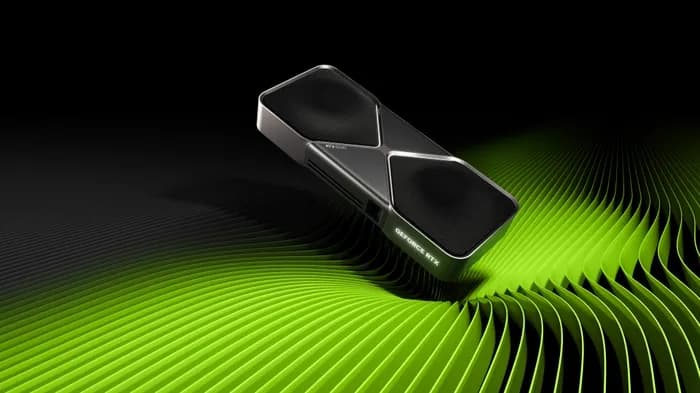
NVIDIA GeForce RTX 5090
$1,999 – $2,199
- VRAM: 32GB GDDR7
- CUDA Cores: 21,760
- Memory Bandwidth: 1,792 GB/s
- TDP: 575W
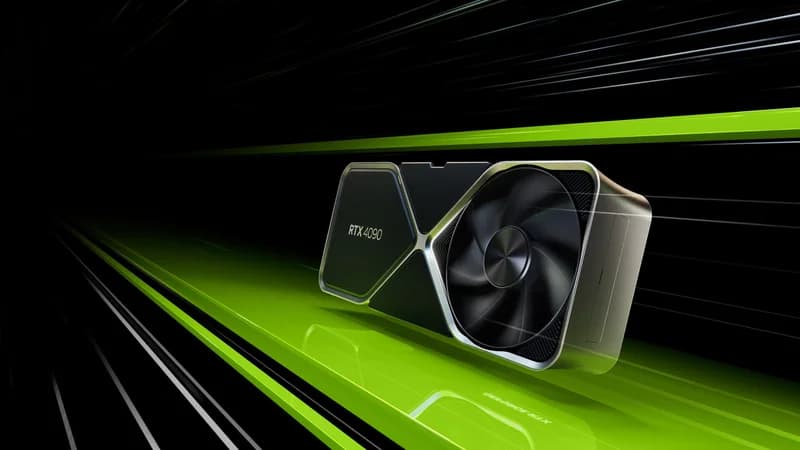
NVIDIA GeForce RTX 4090
$1,599 – $1,999
- VRAM: 24GB GDDR6X
- CUDA Cores: 16,384
- Memory Bandwidth: 1,008 GB/s
- TDP: 450W
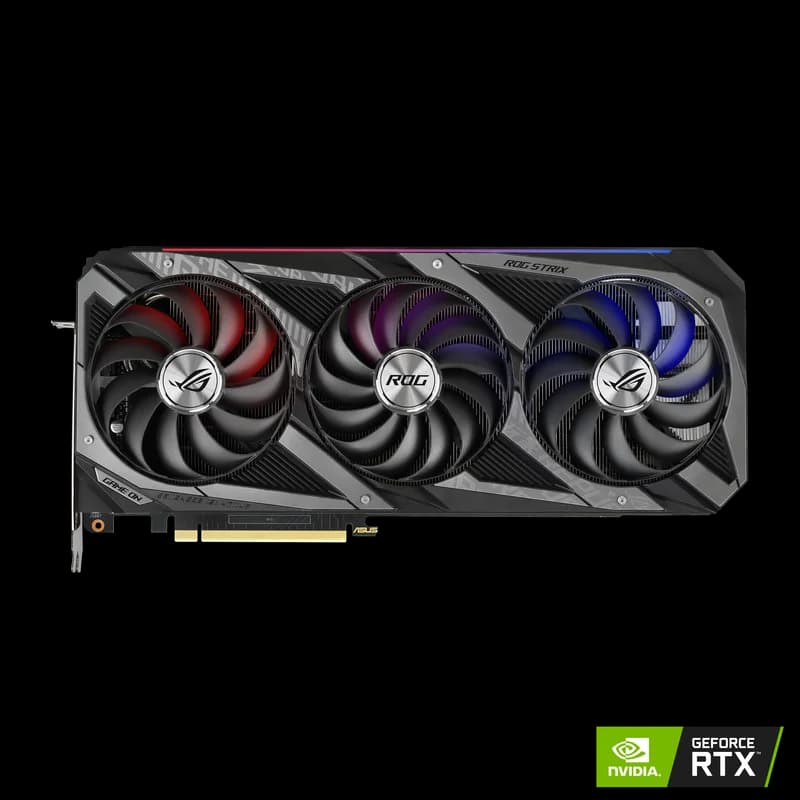
NVIDIA GeForce RTX 3090
$699 – $999
- VRAM: 24GB GDDR6X
- CUDA Cores: 10,496
- Memory Bandwidth: 936 GB/s
- TDP: 350W
Side-by-Side Comparison
| Spec | NVIDIA GeForce RTX 5090 | NVIDIA GeForce RTX 4090 | NVIDIA GeForce RTX 3090 |
|---|---|---|---|
| Price | $1,999 – $2,199 | $1,599 – $1,999 | $699 – $999 |
| VRAM | 32GB GDDR7 | 24GB GDDR6X | 24GB GDDR6X |
| CUDA Cores | 21,760 | 16,384 | 10,496 |
| Memory Bandwidth | 1,792 GB/s | 1,008 GB/s | 936 GB/s |
| TDP | 575W | 450W | 350W |
| Verdict | Best Overall | Best Value | Budget Pick |
Detailed Breakdown
$1,999 – $2,199
Pros
- +32GB VRAM handles the largest consumer AI workloads
- +Blackwell architecture with 5th-gen tensor cores
- +PCIe 5.0 for maximum data throughput
Cons
- -Very high power consumption (575W)
- -Requires 1000W+ PSU and robust cooling
- -Premium launch pricing
$1,599 – $1,999
Pros
- +Proven workhorse for AI inference
- +Excellent VRAM capacity for most models
- +Strong community support and documentation
Cons
- -High power consumption
- -Premium pricing
- -Previous-gen Ada Lovelace architecture
$699 – $999
Pros
- +Great price-to-performance ratio
- +24GB VRAM handles most models
- +Widely available on secondary market
Cons
- -Previous generation architecture
- -Higher power draw per FLOP vs 4090
- -No 4th-gen tensor cores
Frequently Asked Questions
How much VRAM do I need to run LLMs locally?
For 7B-8B parameter models (like Llama 3 8B), 8GB VRAM is the minimum. For 13B models, you need 12-16GB. For 70B models at Q4 quantization, you need 40GB+ — though a 24GB card can run them with offloading at slower speeds.
Can I run local LLMs on AMD GPUs?
Yes, but NVIDIA GPUs are recommended. AMD's ROCm ecosystem is maturing but has fewer optimized tools and community tutorials compared to CUDA. If you go AMD, the MI250X with 128GB HBM2e is excellent for large models.
Is the RTX 5090 worth the upgrade over the 4090 for AI?
If you can afford it, yes. The RTX 5090 offers 32GB GDDR7 (vs 24GB GDDR6X), 5th-gen tensor cores with FP4 support, and significantly more memory bandwidth. For running 70B+ models, the extra 8GB VRAM is a meaningful upgrade.
What software do I need to run LLMs locally?
The easiest way is Ollama — one command to install, one command to run any model. For more control, use llama.cpp or vLLM. All are free and open source. Most support an OpenAI-compatible API so you can use them with existing tools.
Disclosure: Some links on this page are affiliate links. We may earn a commission if you make a purchase — at no extra cost to you. This helps support our independent reviews.