How Much Does an AI Workstation Really Cost in 2026?
A full breakdown of hardware, electricity, and setup costs for building an AI workstation — from budget $800 builds to $15,000+ enterprise rigs, with cloud cost comparisons.
Compute Market Team
Our Top Pick
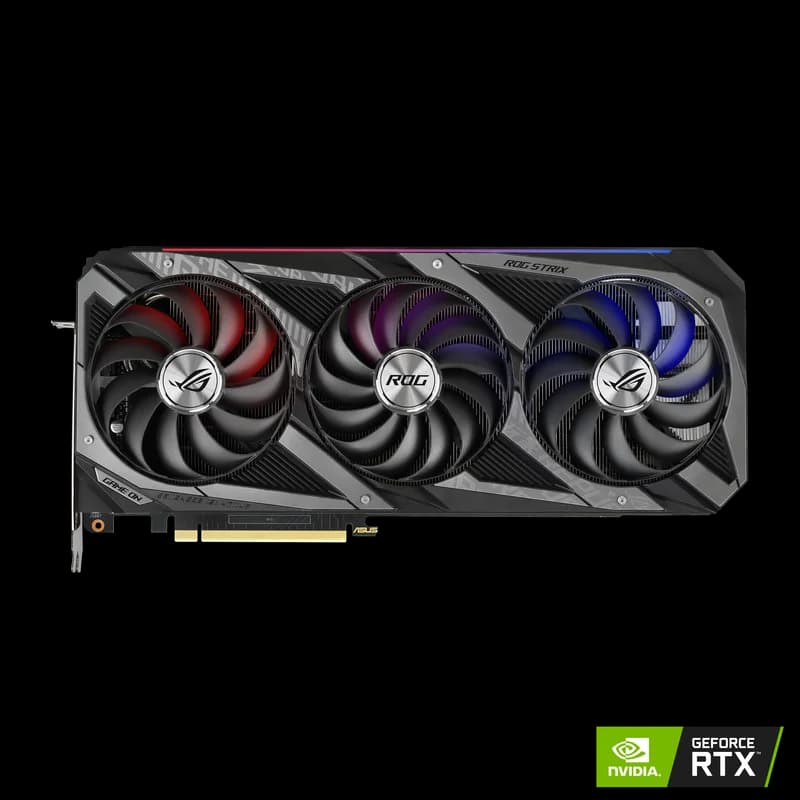
The Real Cost of Running AI Locally
Building an AI workstation is the single best investment you can make if you're serious about AI. Cloud compute bills add up fast — $2–$8/hour for GPU instances means a heavy user can spend $500–$2,000/month. A well-built local workstation pays for itself in months.
This guide breaks down every cost at four budget tiers, from a starter build to an enterprise-grade rig.
Budget Tier: $800 – $1,500
The entry point. Good enough for running 7B–13B parameter models, Stable Diffusion, and lightweight fine-tuning.
| Component | Recommended | Cost (USD) |
|---|---|---|
| GPU | Used RTX 3090 24GB | $699 – $999 |
| CPU | AMD Ryzen 5 7600 | $180 – $220 |
| Motherboard | B650 ATX | $120 – $160 |
| RAM | 32GB DDR5-5600 | $80 – $100 |
| Storage | 1TB NVMe Gen4 SSD | $70 – $90 |
| PSU | 850W 80+ Gold | $100 – $130 |
| Case + Cooling | Airflow mid-tower + fans | $80 – $120 |
| Total | $1,329 – $1,819 |
Pro Tip
A used RTX 3090 gives you 24GB VRAM — the same as a new RTX 4090 — for half the price. It's the best entry point into local AI. See the full RTX 4090 vs RTX 3090 breakdown, or start with the AI on a budget hub.
Mid-Range Tier: $3,000 – $5,000
The sweet spot. Runs most open-source models with room for fine-tuning and multi-model workflows.
| Component | Recommended | Cost (USD) |
|---|---|---|
| GPU | NVIDIA RTX 4090 24GB | $1,599 – $1,999 |
| CPU | AMD Ryzen 7 7700X | $280 – $330 |
| Motherboard | X670E ATX | $200 – $280 |
| RAM | 64GB DDR5-5600 | $160 – $200 |
| Storage | Samsung 990 Pro 4TB NVMe | $289 – $339 |
| PSU | 1000W 80+ Gold | $140 – $180 |
| Case + Cooling | Full-tower + AIO liquid cooler | $180 – $250 |
| Total | $2,848 – $3,578 |
High-End Tier: $5,000 – $10,000
For professionals running 70B+ models at full speed, multi-GPU setups, or production inference serving. If you're deciding between generations, compare the RTX 5090 vs RTX 4090 first — the extra 8GB of VRAM is what unlocks 70B models at 4-bit.
| Component | Recommended | Cost (USD) |
|---|---|---|
| GPU | NVIDIA RTX 5090 32GB | $1,999 – $2,199 |
| CPU | AMD Ryzen 9 7950X | $450 – $550 |
| Motherboard | X670E ATX (dual M.2, PCIe 5.0) | $300 – $400 |
| RAM | 128GB DDR5-5600 | $320 – $420 |
| Storage | 4TB NVMe Gen5 + 4TB NVMe Gen4 | $500 – $700 |
| PSU | 1200W 80+ Platinum | $200 – $260 |
| Case + Cooling | Full-tower + 360mm AIO | $250 – $350 |
| Total | $4,019 – $4,879 |
The Apple Alternative
Don't want to build? Apple Silicon Macs offer a compelling plug-and-play option:
- Mac Mini M4 Pro ($1,399): 24GB unified memory, completely silent, runs 7B–13B models beautifully via Ollama. The easiest on-ramp to local AI.
- Mac Studio M4 Max ($1,999–$5,999): Up to 128GB unified memory. Runs large LLMs natively without quantization. No fan noise, no driver issues, no Linux required.
Note
The trade-off with Apple Silicon: no CUDA support. Most ML frameworks work via Metal or CPU fallback, but some tools and training workflows require CUDA. For pure inference and running local LLMs, Macs are excellent — see the Apple Silicon for AI hub for model-by-model memory guidance.
Monthly Running Costs
| Expense | Budget Build | Mid-Range Build | High-End Build |
|---|---|---|---|
| Electricity (avg. use) | $15 – $30 | $25 – $50 | $35 – $70 |
| Internet | $50 – $80 | $50 – $80 | $50 – $80 |
| Software/tools | $0 (open source) | $0 – $20 | $0 – $50 |
| Total | $65 – $110/mo | $75 – $150/mo | $85 – $200/mo |
Local vs. Cloud: Break-Even Analysis
At what point does building your own workstation beat paying for cloud GPU time?
| Scenario | Cloud Cost (per month) | Local Build Cost | Break-Even |
|---|---|---|---|
| Light use (20 hrs/mo on A10G) | ~$30 | $1,500 build | ~50 months |
| Moderate use (80 hrs/mo on A100) | ~$250 | $3,500 build | ~14 months |
| Heavy use (200+ hrs/mo on A100) | ~$600 | $5,000 build | ~8 months |
| Always-on inference | ~$1,500 | $5,000 build | ~3 months |
The rule of thumb: If you're spending more than $150/month on cloud GPU time, a local build pays for itself within a year. If you're always-on, the payback is measured in weeks.
The Verdict
For most AI enthusiasts and developers, a $3,000–$4,000 mid-range build with an RTX 4090 is the sweet spot. It runs 90% of open-source models — including Qwen 3 72B and DeepSeek-R1 70B at 4-bit — pays for itself vs. cloud compute in under a year, and gives you unlimited experimentation without per-hour charges.
If you want zero setup hassle, a Mac Mini M4 Pro at $1,399 is the fastest path to running AI locally — just install Ollama and start chatting.